


Scrape Amazon Reviews: Tools & API Options Compared
If you want to scrape Amazon reviews at any meaningful volume, here's the honest answer up front. You have three paths. Write and maintain your own scraper, buy a packaged review dataset, or call a scraping API that returns structured JSON and handles the blocking for you. We build the third kind, so treat this comparison accordingly, since the trade-offs below are real and the first two paths beat the third in specific cases.
The harder truth is that Amazon review data is not one problem. It's a login wall, a pagination cap, and a locale fragmentation issue, all wearing a maintenance treadmill as a coat. Most tool comparisons skip all four of these issues. Each gets its own section below, with cost put side by side at the end.
Why Your Amazon Review Scraper Returns Only 8-10 Reviews
This is a complaint worth addressing directly, and it is not a bug in the tool. Amazon shows a small handful of reviews inline on the product detail page, typically under a dozen, often fewer, and gates the full review list behind a separate paginated view. Access to that deeper list is increasingly tied to a logged-in session. If your scraper hits the product URL and parses whatever reviews sit in the HTML, you get the inline set and nothing more.
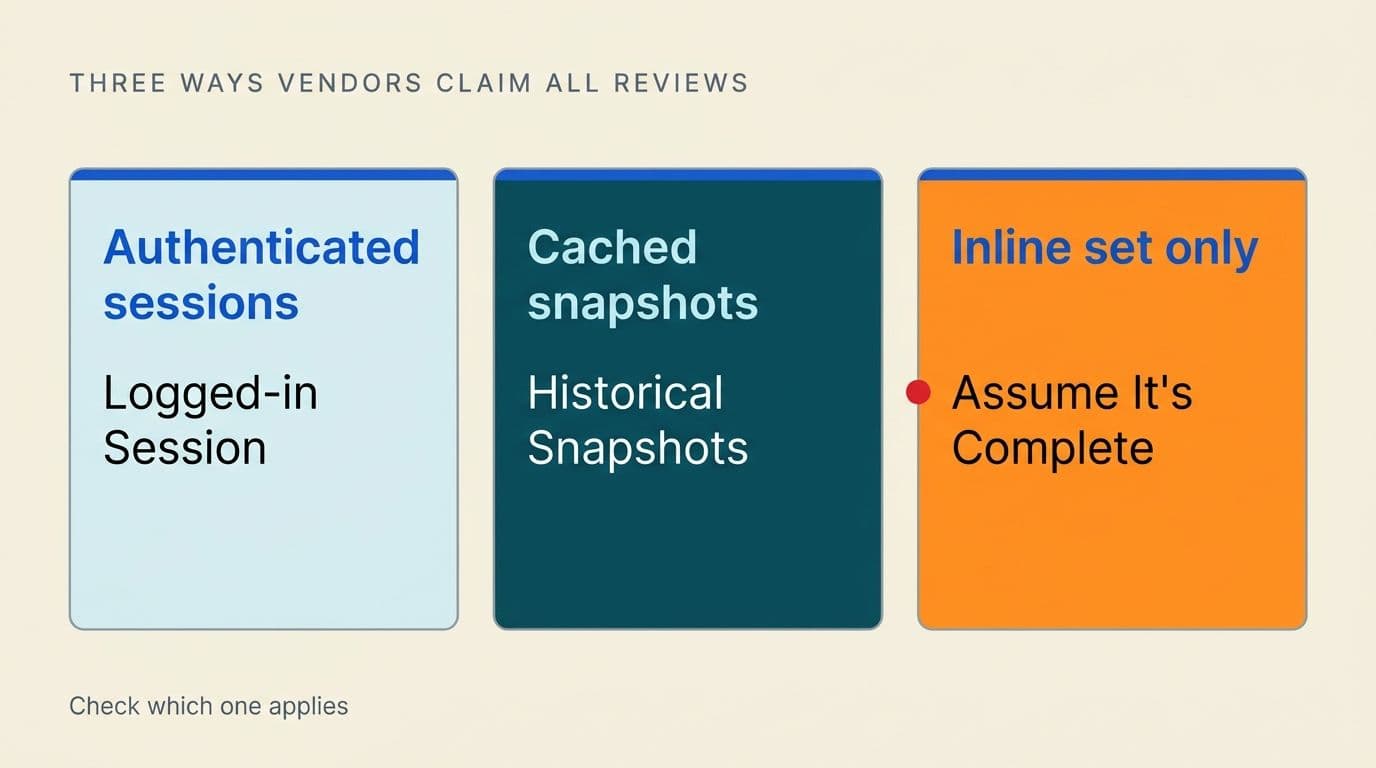
So any vendor promising "all reviews" for an ASIN is doing one of three things. They're maintaining authenticated sessions, stitching together cached historical snapshots, or quietly returning the inline set and letting you assume it's complete. Check which one applies. Ask for a sample response on a product with thousands of reviews and count what comes back.
Even past the login wall, Amazon caps how deep the review pagination goes. You do not get an unbounded archive. You get a window, the most recent or most helpful pages, filterable by star rating, verified purchase, and format. That filtering is the lever most teams miss. If you need volume rather than strict recency, run the same ASIN through each star filter separately and union the results. You'll pull a broader and better-distributed sample than hammering page after page of the default sort.
One practical note on pagination logic: don't write a while loop that stops when a page returns zero reviews. Amazon serves silent empty pages under load and under soft blocks, and that loop will terminate early and tell you it finished cleanly. Set an explicit page cap, and log the search metadata ID or request ID for every call, then compare counts across runs. A run that quietly returns a third of yesterday's volume is a block, not a product with fewer reviews.
Is It Legal to Scrape Amazon Reviews?
We are not going to tell you scraping is always fine. It isn't, and the risk profile depends on what you collect, where you operate, and whether you're logged in.
Amazon's terms of service prohibit automated access to the site. That's a contractual matter, and the practical consequence of violating it is account-level. Think suspended buyer accounts, banned seller accounts, blocked IP ranges. Scraping publicly accessible pages without authentication has generally been treated differently from scraping behind a login, because logging in means you accepted the terms on the record. That distinction matters a lot for Amazon reviews specifically, since the deeper review pages sit exactly behind that line.
Then there's the data itself. Review text is user-generated content with copyright attached to the author. Reviewer names, profile links, and purchase history count as personal data under GDPR and similar regimes, which means collecting and storing them triggers obligations you can't wave away by saying the page was public. Aggregate sentiment analysis sits on much safer ground than republishing review text verbatim or rebuilding reviewer profiles.
Here's practical guidance. Don't scrape with an account you care about, and strip or hash reviewer identifiers unless you have a reason to keep them. Skip republishing review bodies as your own content, and get a lawyer's read before you build a commercial product on top of this. We can't make any of that risk disappear, and nobody selling you an amazon reviews api can either.
Account Suspension, IP Blocking, and Session Management
If you must run authenticated, assume every session you create is disposable. Sessions used for scraping get flagged, not always fast, but reliably. The patterns that trip detection are mechanical: fixed request intervals, high throughput from one session, no mouse or scroll signals, and a browser fingerprint that doesn't match the user agent string.
The method we see working for small-scale competitor research is deliberately slow and human-shaped. A browser extension runs inside a real logged-in session, spreading requests across a full day at intervals of several seconds rather than milliseconds. That works because it looks like browsing. It does not scale, it ties up a machine, and the account still carries risk.
For anything beyond a handful of ASINs, the unauthenticated path with rotating residential IPs holds up better. You give up review depth and gain the ability to run continuously without putting an account on the line. Rotate IPs per request rather than per session. Randomize intervals instead of using a fixed sleep, and treat 503s and CAPTCHA pages as signals to back off rather than retry immediately. We can't promise block-free scraping, nobody honestly can, but failed requests that return no data don't cost a credit on our platform, so a bad run costs you time, not budget.
Keeping an Amazon Review Scraper Alive as the HTML Changes
DIY scrapers break. Amazon runs continuous layout experiments, and the div structure holding review bodies, star ratings, and verified-purchase badges changes without notice. Your CSS selectors work fine on Monday and return empty strings on Thursday, usually silently, because a missing selector yields null and your pipeline writes nulls to the database without complaining.

Build for that reality: validate output against a schema on every run. If the review body is empty or the star rating sits outside one to five, fail loudly, and alert on volume drops. Keep a fixture set of saved HTML pages and run your parsers against them in CI so you catch breakage before production does. Then accept the ongoing cost: one engineer, a few hours a month, forever.
That maintenance tax is the real argument for a managed amazon reviews api. The parsing problem moves to someone whose job is parsing. Parsed amazon reviews JSON is simply easier to consume than binding a CSV mapper to markup structure, because the mapper is the thing that breaks when the markup shifts.
Our Extract API returns clean markdown or structured JSON from any URL, with a schema you define, so amazon review data extraction stops being a selector-maintenance exercise. The same request pattern works for the fields people ask about alongside reviews, such as "about this item" bullets, best seller rank, current and list price, and seller name. You describe the shape you want and get validated output back, no cached results, every request live. See the full endpoint lineup on our API platform, and for the broader listing-level workflow, our guide on how to scrape Amazon product data covers the catalog side.
Locale Fragmentation: Why Review Counts Don't Match
An ASIN on amazon.com and the same ASIN on amazon.de draw from different review pools. Amazon syndicates some reviews across marketplaces and not others, and the rules shift by category and over time. If you scrape from a US IP and your competitor's product sells mainly in Germany, your sample is skewed and you won't know it.
This bites hardest when you scrape amazon star ratings for competitive benchmarking, because the aggregate rating shown on a localized domain blends syndicated international reviews while the review list below it shows only local ones. So your computed average from scraped reviews won't match the displayed star rating. That's not a parsing error.
Fix locale fragmentation by treating marketplace as a first-class dimension, and store the domain alongside every review. Scrape each marketplace separately with geo-matched IPs, and never union review sets across locales without a flag. For bulk amazon review scraping across multiple regions, our SERP and scraping endpoints support geo-targeting across 100-plus countries. Not every micro-locale exists, so confirm coverage for the markets you actually need before committing.
DIY vs. Managed API: The Actual Cost Comparison
DIY looks free until you price the inputs. Residential proxies are the big line item and scale with volume, and headless browser infrastructure costs compute on top of that. Then there's engineering time: initial build, plus ongoing repair every time the HTML shifts. For a team running a few thousand ASINs a month, the proxy bill alone usually exceeds what a managed API would charge, before anyone's salary enters the math.
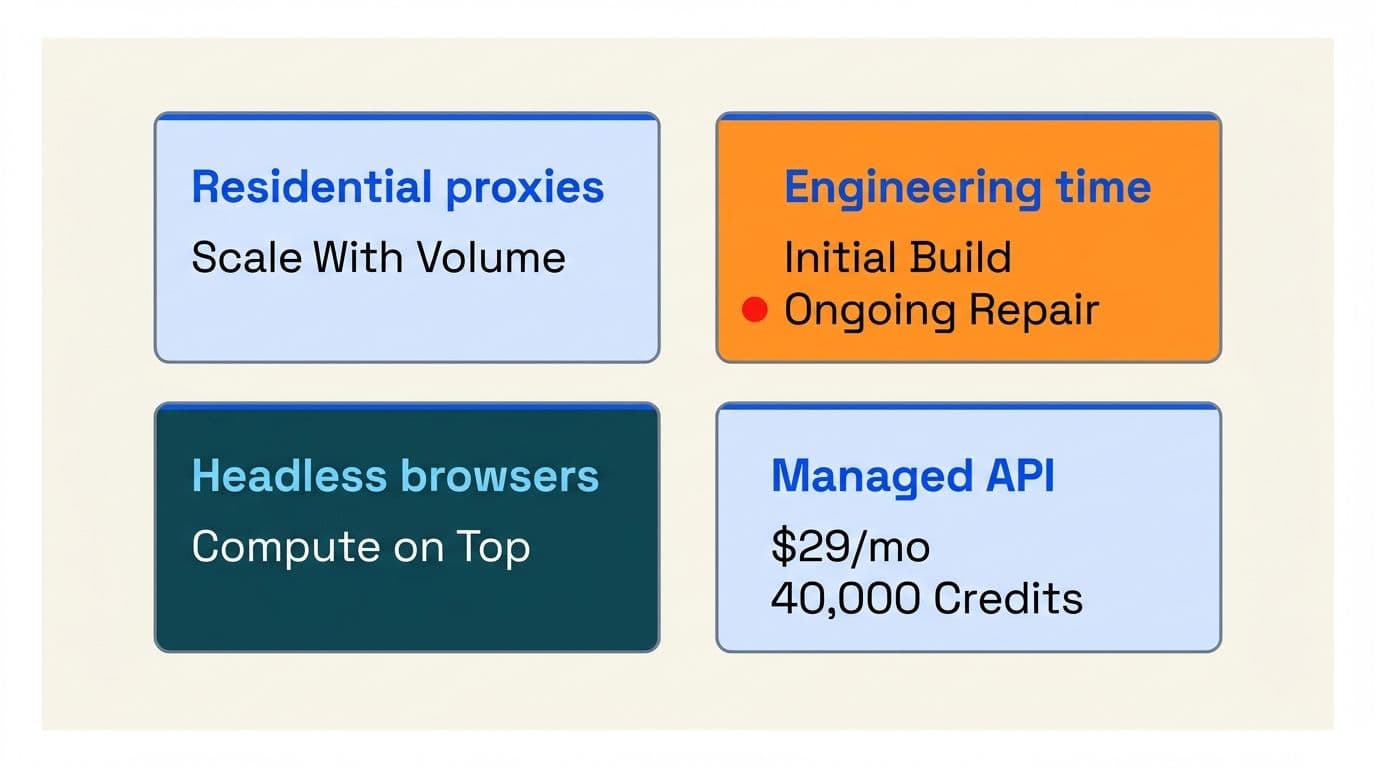
A managed API makes sense when review data feeds your product rather than being the product itself. Our plans start at $29/mo for 40,000 credits and run to $299/mo for 1,150,000. Endpoint weights are visible before each run, so you know what a call costs before you make it, no task-based multipliers discovered on the invoice.
Top-up credits never expire, and monthly credits reset each period. Plenty of developers build on the platform, drawn by the predictable credit model.
What we don't do: replace a full proxy and unblocker product line, or offer a named CSM and 24/7 phone support. Support runs through Slack, with a 30-minute median first response on priority. We don't hold SOC 2 Type II or ISO 27001 yet, both sit on the roadmap, not done. If one of those is a hard requirement, say so now rather than three weeks into integration.
Switching providers is usually a smaller job than people expect. Our response schema is Firecrawl-compatible, and migrations like that tend to go quickly once the field mapping is sorted. The realistic work is mapping our field names onto whatever your pipeline already expects, and that's a day, not a sprint.
If you want to test whether structured amazon reviews JSON fits your pipeline before committing to anything: Start Free with 1,000 one-time signup credits, no credit card. Read the Docs for request formats and endpoint weights, or Book a 30-min demo if you'd rather have us walk through your specific ASIN volume and marketplace mix.
Frequently Asked Questions
Why does my Amazon review scraper only return 8-10 reviews?
Amazon shows only a small handful of reviews inline on the product detail page, typically under a dozen, and gates the full review list behind a separate paginated view that requires a logged-in session. If your scraper only parses the product URL HTML, you're getting just the inline set and missing the deeper review pages.
Is it legal to scrape Amazon reviews?
Amazon's terms of service prohibit automated access, and violating this can result in account suspension or IP blocking. Scraping publicly accessible pages without authentication has generally been treated differently from scraping behind a login, but review text is copyrighted user-generated content and reviewer data counts as personal data under GDPR, so you should consult a lawyer before building a commercial product on scraped reviews.
How do I keep my Amazon review scraper from breaking?
Amazon runs continuous layout experiments that change the HTML structure without notice, causing CSS selectors to stop working. You should validate output against a schema on every run, keep fixture sets of saved HTML pages to test your parsers in CI, and expect ongoing maintenance costs to catch and fix breakage.
Why don't my Amazon review counts match across different countries?
Amazon syndicates some reviews across marketplaces differently depending on category and time, so the same ASIN on amazon.com and amazon.de draw from different review pools. You should treat marketplace as a first-class dimension, store the domain with every review, and scrape each marketplace separately with geo-matched IPs rather than combining reviews across locales.
What is the actual cost of DIY Amazon review scraping versus a managed API?
DIY scraping requires residential proxies as the main cost, which scales with volume, plus headless browser infrastructure and ongoing engineering time for maintenance. A managed API typically makes sense when review data feeds your product but isn't the product itself, as the proxy bill alone for high-volume scraping usually exceeds what a managed API would charge.