

Amazon Autocomplete API: Get Search Suggestions as JSON
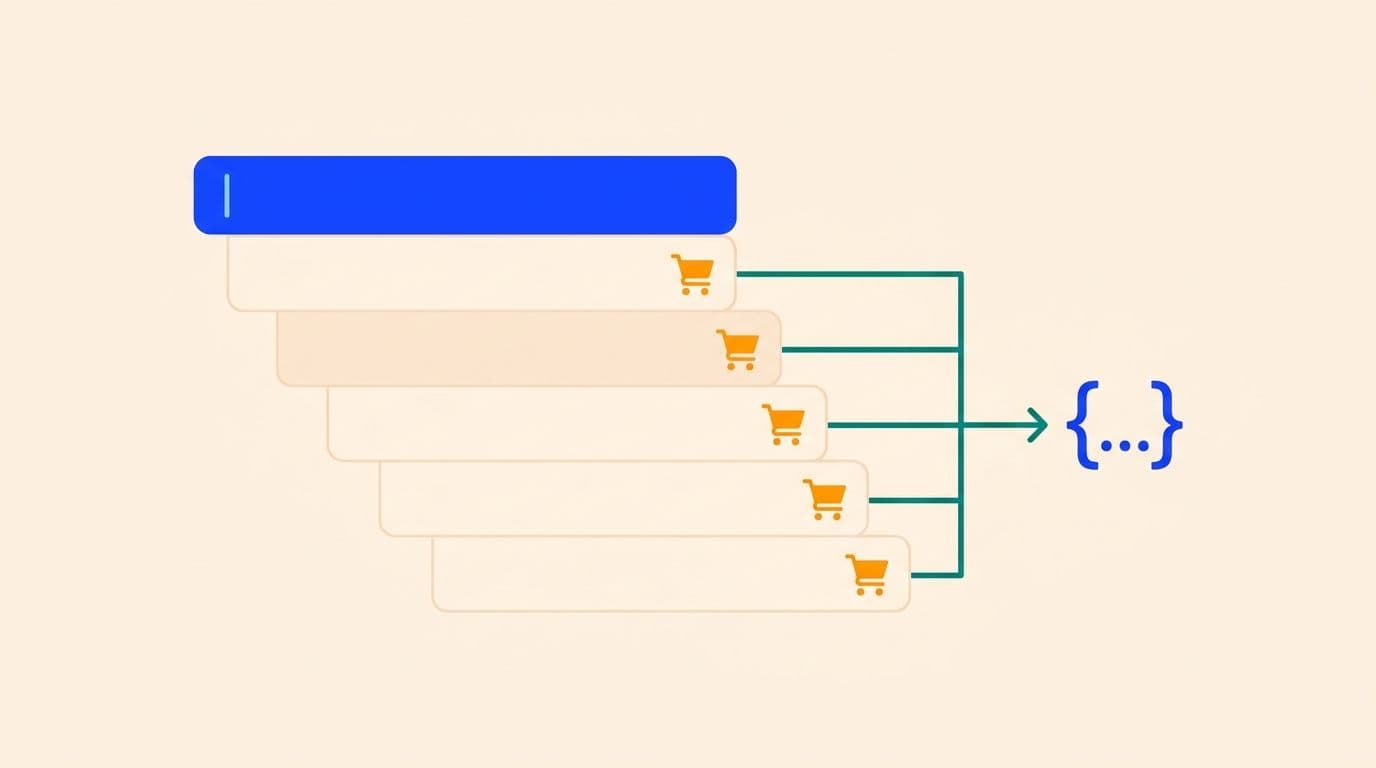
Type "wireless ear" into Amazon's search box and the dropdown that appears is powered by a public JSON endpoint. It is not server-rendered HTML, and that endpoint is what people mean by the amazon autocomplete api. It is a lightweight suggestion service that returns the terms real shoppers type, ranked by how Amazon weights them. There is no officially documented, supported product behind it. It is an internal endpoint that the storefront calls, but the response comes back as clean JSON. That makes it far easier to work with than parsing a search results page.
That distinction matters more than most write-ups admit. Autocomplete suggestions are a search-demand signal that tells you what phrasing converts into actual queries and which long-tail modifiers people attach to a seed term. They also show how that varies by marketplace. For keyword research, PPC term mining, and product discovery, those suggestions often beat a scraped listing page, since they come from query behavior rather than from what sellers chose to put in their titles.
How the Amazon Autosuggest API Actually Works
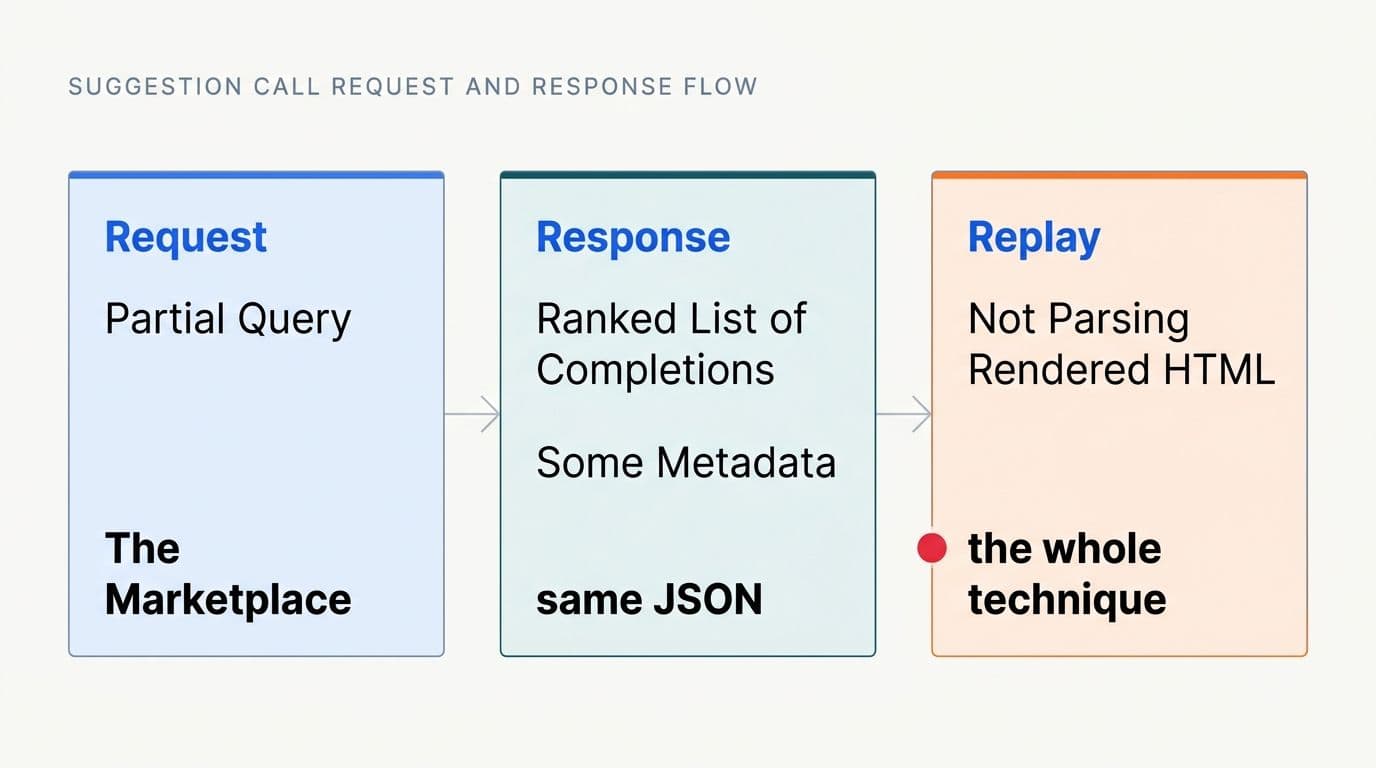
The storefront calls a suggestion service whenever the search input changes. It passes the partial query, the marketplace, and a few client identifiers. Back comes a ranked list of completions plus some metadata. Replaying that call is the whole technique: you are not parsing a dropdown out of rendered HTML, you are requesting the same JSON the browser requests.
This is the single biggest reliability upgrade available on this topic, and it generalizes well beyond suggestions, too. Replaying the REST calls Amazon's own frontend makes is consistently sturdier than scraping DOM elements. CSS selectors and class names churn constantly. JSON field names change far less often. If you have a brittle extractor built on div hierarchies, open your network tab first, then find the underlying request and rebuild against that.
Two practical notes matter before you build. First, the suggestion endpoint is region-specific. amazon.com, amazon.co.uk, amazon.de, and amazon.in return different term sets, so you need to send the correct marketplace parameters for each. A term that looks dead in the US may be strong in Germany.
Second, requests from a plain script look nothing like requests from a browser. Header fingerprints, TLS characteristics, and request cadence all factor in, and hammering the endpoint from one IP with default headers gets throttled quickly. That does not always show up as an error. Sometimes it is an empty or degraded response, which is worse because it looks like a legitimate result.
That failure mode is why we lean toward a managed fetch layer rather than a raw requests loop. Our Extract API handles proxy rotation, headers, and JS rendering where needed, and it returns the response as structured JSON or markdown. Every request runs live. There is no cache layer serving you yesterday's suggestions, which would defeat the point of tracking search demand. We cannot promise every request to every target gets through every time, and nobody honestly can. What we can tell you is that requests that return no data don't cost a credit, and endpoint weights are visible before you run anything.
Pagination Limits, Safe Endpoint Detection, and Search Metadata
Autocomplete itself returns a short, capped list, so you are not paginating through it. But almost nobody uses an amazon autosuggest api in isolation. You pull suggestions, then expand each one into search results. That's where pagination discipline becomes the difference between a clean dataset and a silently truncated one.
The common pattern is a while loop that keeps incrementing the page number until it receives an empty result set, then stops. Don't do that, because Amazon returns silently empty pages that are not the end of the result set. A throttle, a soft block, or a transient failure can all look identical to "no more results." A loop that trusts emptiness as a terminator will quietly stop at page four of forty and report success.
Cap your pagination explicitly instead. Decide a hard maximum page count per query before the run starts, and make the loop exit on that cap rather than on an empty response. Separately, log the search metadata IDs that come back with each page. These are the request and result identifiers Amazon attaches to a response. Two consecutive pages might carry metadata pointing at the same underlying result set. A page might return empty while its metadata still points at a populated query. Either case means you have a block, not an endpoint, and that log is also your audit trail when someone asks why Tuesday's run has a third fewer rows than Monday's.
Build the empty-page check as a retry trigger, not a stop condition. Re-request the same page with a fresh session, and only treat it as genuinely empty after it comes back empty more than once. The extra calls cost little compared with rebuilding a dataset you can't trust. For the full crawl-and-extract pattern across search pages, listings, and ASIN detail, our guide on how to scrape Amazon product data walks through the structure end to end.
Cost Per Lookup: Build vs. Buy for an Amazon Keyword Suggestions Scraper
Before you write a line of an amazon keyword suggestions scraper, do the arithmetic most teams skip. Counting raw requests is the wrong unit. The right unit is cost per successful lookup. It has to include retries and proxy spend, the failures that returned nothing usable, and the engineering hours you'll spend maintaining the thing when the response shape shifts.
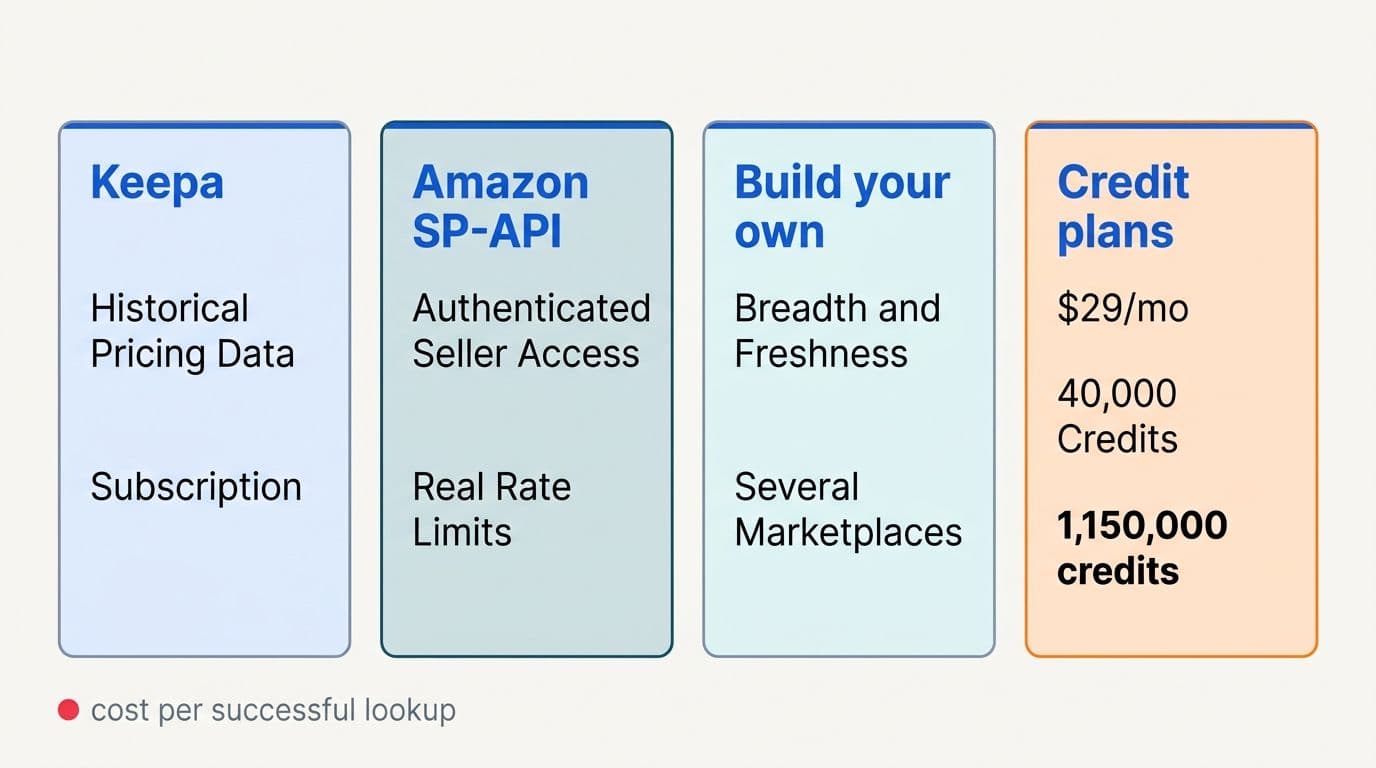
Run that comparison against the established options before committing. Keepa sells historical Amazon pricing and tracking data as a subscription. Amazon's own SP-API gives sellers authenticated access to catalog and order data, with real rate limits and an onboarding process. Neither returns autocomplete suggestions, which is precisely why people build their own, but both set a useful price floor. If a packaged product already covers eighty percent of what you need at a known per-call rate, the DIY path has to beat it on total cost rather than just winning on the fantasy that requests are free.
Where a build pays off is breadth and freshness. Say you need suggestions across several marketplaces, on a daily cadence, joined to your own seed-term taxonomy. No packaged dataset will hand you that. Here our pricing math is deliberately plain. Plans start at $29/mo for 40,000 credits and run to $299/mo for 1,150,000 credits. Top-up credits never expire, and monthly credits reset each period.
Divide credits by expected lookups, factor the no-data-no-charge rule, and you get a real cost per lookup instead of a guess. We don't publish adoption numbers or customer anecdotes here, so run the math yourself against your own volume before you commit either way.
Competitor Alternatives When Suggestions Aren't Enough
Suggestion data tells you what people search for, but it says nothing about whether the listings ranking for those terms are any good. The usual next step is scraping competitor reviews for voice-of-customer language and defect patterns. That's a heavy, slow job.

There's a shortcut worth knowing. Amazon now generates AI review overviews on high-volume ASINs, summarizing recurring praise and complaints directly on the product page. For competitive scanning across a wide set of ASINs, pulling that block gives you most of the signal at a fraction of the request volume, and you can reserve full review extraction for the handful of products you're seriously targeting. When you do need the full set, our walkthrough on how to scrape Amazon reviews covers pagination, dedup, and rating distribution.
Pair all three layers and you get something closer to a genuine amazon product discovery api: suggestions cover demand, search results cover the contested set, and review overviews cover positioning gaps. The amazon search suggestions api is the cheapest of the three to run. Start there and let it tell you which ASINs deserve the expensive calls.
Grab 1,000 free credits at Start Free, no credit card, or Read the Docs first and see how the request shape maps to what you already run.
Frequently Asked Questions
How does the Amazon autocomplete API work?
The storefront calls a suggestion service whenever the search input changes, passing the partial query, marketplace, and client identifiers. The service returns a ranked list of completions plus metadata as JSON, which is the same response a browser receives when you type in Amazon's search box.
Why is replaying REST calls better than scraping Amazon's DOM?
JSON field names change far less often than CSS selectors and class names, which churn constantly. Replaying the REST calls Amazon's own frontend makes is consistently sturdier than scraping DOM elements built on div hierarchies.
What should I do instead of stopping pagination when I get an empty result?
Cap your pagination explicitly by deciding a hard maximum page count per query before the run starts, and make the loop exit on that cap rather than on an empty response. Treat empty pages as a retry trigger, not a stop condition, since Amazon can return silently empty pages due to throttles or soft blocks that are not the end of the result set.
What is the right metric to use when calculating costs for an Amazon keyword scraper?
The right unit is cost per successful lookup, which must include retries and proxy spend, the failures that returned nothing usable, and the engineering hours spent maintaining the tool. Counting raw requests is the wrong unit because it ignores these hidden costs.
What can Amazon AI review overviews tell you about products?
Amazon's AI review overviews summarize recurring praise and complaints directly on the product page for high-volume ASINs. For competitive scanning, pulling that block gives you most of the signal at a fraction of the request volume compared to extracting full reviews.