


In 2026, spinning up a 40-line requests script to scrape a modern website is a fast track to a 403 Forbidden response or a Cloudflare Turnstile challenge you can't click through programmatically. The web has hardened. TLS fingerprinting, hCaptcha, behavioral analysis, and JavaScript-rendered single-page applications (SPAs) are now the default, not the exception. The naive scraper of 2018 simply doesn't survive contact with production websites anymore.
So when developers search for the best free web scraping tools, they're usually chasing an illusion. There is no such thing as genuinely free web scraping. You pay one way or another—either with your engineering time (writing anti-bot bypasses, rotating proxy pools, and babysitting headless browser fleets) or with your platform budget (paying for a managed API that hides all of that from you).
This guide splits the top 10 tools into three honest camps so you can make a pragmatic engineering decision based on your actual balance of time, skills, and data needs. The core distinction to keep in mind throughout:
- Free Code (Self-Hosted): The software license costs $0, but you own the infrastructure, proxies, and maintenance.
- Free Tier Credits (Managed Infra): The vendor runs the infrastructure; you get a capped pool of credits before the meter starts.
Let's break it down.
Category A: Best Open-Source Tools (Free Code, Paid Infra)
These are unrestricted, no-license-fee libraries. But you host them, manage IP rotation, and write and maintain your own parsers.
1. Scrapy (Python)
Scrapy is the undisputed heavyweight champion for building customizable, asynchronous web spiders at scale.
Pros:
- Fully asynchronous (built on Twisted), making it blazing fast for large crawls.
- Highly structured, with built-in JSON/CSV exporters, item pipelines, and auto-throttling.
- A massive plugin ecosystem, including
scrapy-playwrightandscrapy-seleniumfor JS rendering.
Cons:
- Steep learning curve if you're not comfortable with async and Twisted concepts.
- No JavaScript rendering out of the box—you bolt it on via middleware.
- Zero native anti-bot bypass. You integrate and pay for proxy rotation yourself.
Free Limit: 100% free (BSD 3-Clause License). Hidden Costs: Server hosting (EC2, Fly.io, Heroku), developer hours for proxy integration, and the recurring cost of third-party residential proxies.
2. Playwright / Puppeteer (Node.js & Python)
Playwright and Puppeteer are low-level browser automation libraries that execute JavaScript, clear basic client-side checks, and render heavy SPAs exactly like a real user would.
Pros:
- Flawless rendering of React, Vue, and Angular applications.
- Can take screenshots, generate PDFs, and simulate realistic clicks, scrolls, and typing.
- Playwright's auto-waiting is excellent, and it supports JS, Python, C#, and Java.
Cons:
- Resource-heavy: a headless Chromium instance eats 10–20x more CPU and RAM than a plain HTTP request.
- Easily flagged by advanced anti-bot suites (Cloudflare, Akamai) unless patched with stealth plugins.
Free Limit: 100% free (Apache 2.0 / MIT). Hidden Costs: Substantial cloud compute bills at scale, plus the operational complexity of running and scaling a Dockerized browser pool.
3. Beautiful Soup & Requests (Python)
The classic "Hello World" of scraping. Beautiful Soup paired with Requests is lightweight, elegant, and perfect for quick scripts against static HTML.
Pros:
- Unmatched ease of use and the lowest barrier to entry in the ecosystem.
- Extremely light on memory and CPU.
- Excellent docs and a huge community for troubleshooting.
Cons:
- Zero JavaScript execution—it can't touch a modern SPA.
- No built-in proxy rotation, retry logic, or anti-bot handling.
- Fragile: a minor DOM change on the target site breaks your parser instantly.
Free Limit: 100% free (open source). Hidden Costs: Maintenance debt. You're on the hook to rewrite CSS selectors and XPath queries every time the target site tweaks its UI.
Category B: Best Visual & No-Code Free Scraping Tools
For developers who need quick extraction without writing parsers, or hybrid teams where non-technical stakeholders help build scrapers.
4. Octoparse (Free Tier)
Octoparse is a visual, point-and-click desktop application that builds scrapers through an interactive browser interface.
Pros:
- No coding required; it handles pagination, infinite scroll, and dropdowns visually.
- Free local execution runs on your own machine using your own IP.
Cons:
- The free tier is local-only—no cloud runs and no scheduling.
- Export options are heavily restricted on the free plan.
Free Limit: Unlimited local scrapes, but capped concurrency and no cloud/API access. Hidden Costs: It chews through local machine resources, and cloud execution or API webhooks start around $89+/mo.
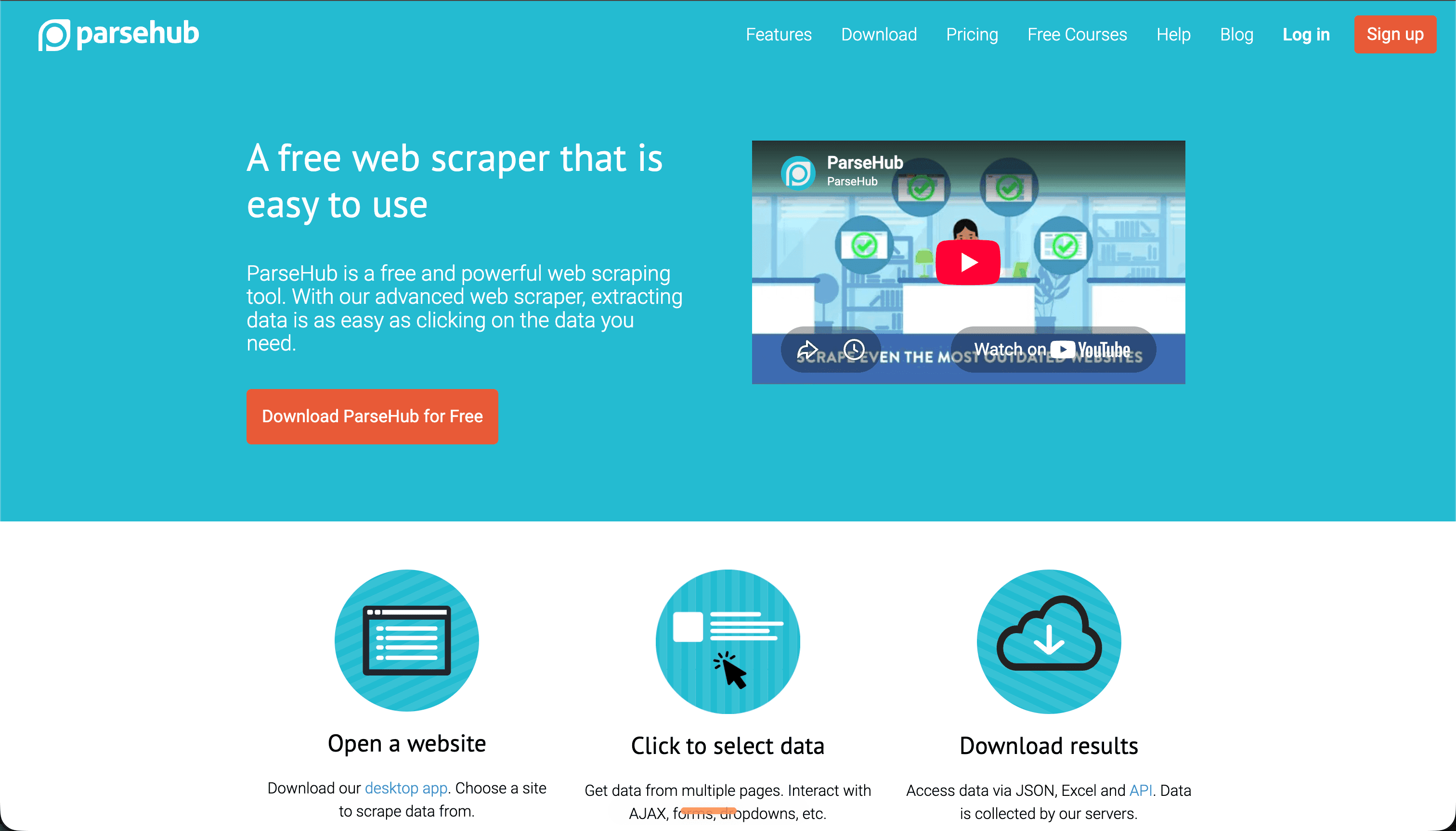
5. ParseHub (Free Tier)
ParseHub is a desktop visual scraper built for modern, JavaScript-heavy sites.
Pros:
- Strong visual selection engine that handles nested data elements cleanly.
- Runs on Windows, Mac, and Linux.
Cons:
- The free tier caps you at 200 pages per run.
- Data is retained on their servers for only 14 days on the free plan.
- Throttled speeds on the free tier.
Free Limit: 200 pages per run, 5 projects, and 14-day data retention. Hidden Costs: Removing those limits starts at a steep $189/mo.
Category C: Best Managed APIs & Cloud Platforms (Free Tier Credits)
These platforms absorb the pain of IP rotation, CAPTCHA solving, and headless rendering in the cloud, handing you structured data or clean HTML from a single API call.
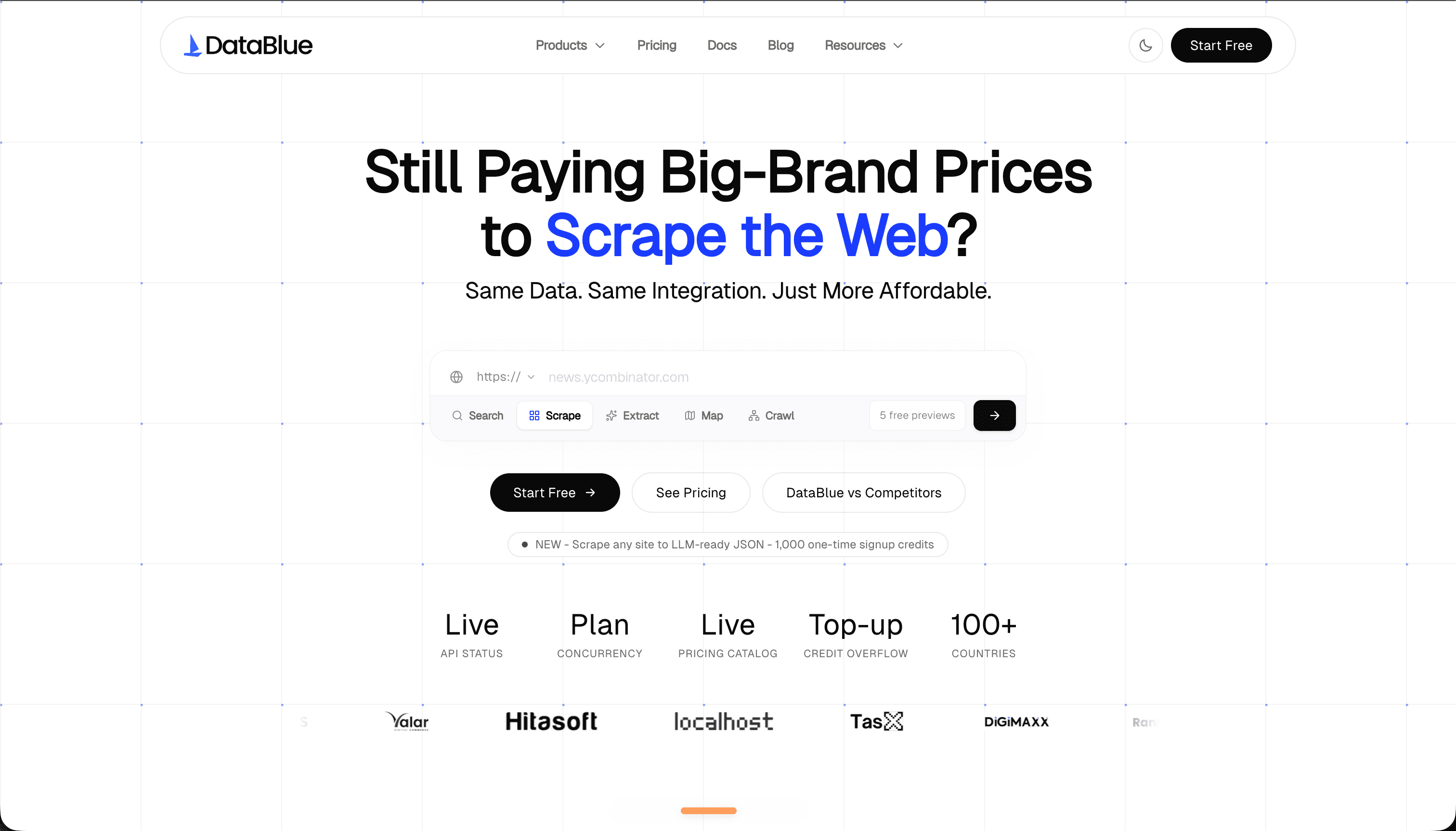
6. DataBlue (Developer Trial)
DataBlue is the "parserless" scraping API. Instead of returning a fragile blob of raw HTML you have to dissect—and repair every time a selector shifts—DataBlue returns clean, structured JSON or LLM-ready Markdown.
Pros:
- Parserless output: Query search engines (Google SERP, Google News, Google Maps) and e-commerce (Amazon) directly without writing or maintaining any scraper selectors.
- AI-agent ready: Native, out-of-the-box MCP (Model Context Protocol) server support, so you can pipe live web data straight into LLMs and RAG pipelines.
- Transparent credit costs: No hidden "JavaScript rendering" penalty multipliers—pricing is fixed and predictable.
Cons:
- Specialized for structured search, geo, and key e-commerce datasets rather than scraping arbitrary custom HTML.
Free Limit: Free developer credits on registration via a self-serve sandbox. Hidden Costs: None. Transparent pay-as-you-go pricing when you scale past the free tier.
7. Apify (Free Tier)
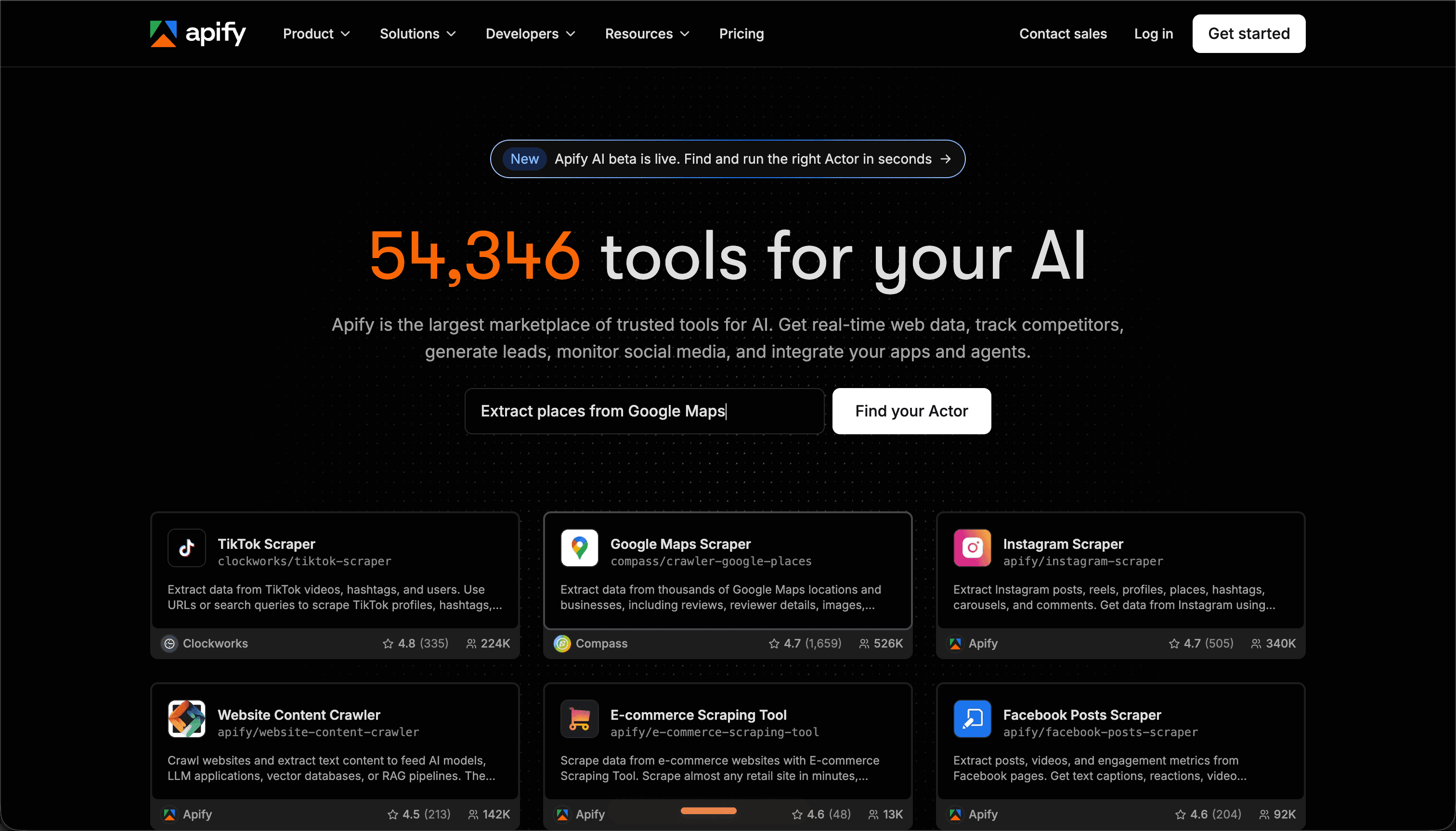
Apify is a cloud platform where developers deploy, run, and share serverless scrapers called "Actors."
Pros:
- An expansive store of hundreds of pre-built scrapers for popular sites (Instagram, Google Maps, YouTube).
- Robust cloud scheduler, proxy rotation, and storage integrations.
Cons:
- Heavy Actors running headless Puppeteer burn through the free compute budget fast.
- Deploying your own scrapers means learning Apify's SDK and framework.
Free Limit: $5/month in free compute credits, plus a 30-day trial of premium proxies. Hidden Costs: Once you exceed the $5/mo compute limit, metered pricing kicks in and scales quickly if your code isn't optimized.
8. ScrapingBee (Free Trial)
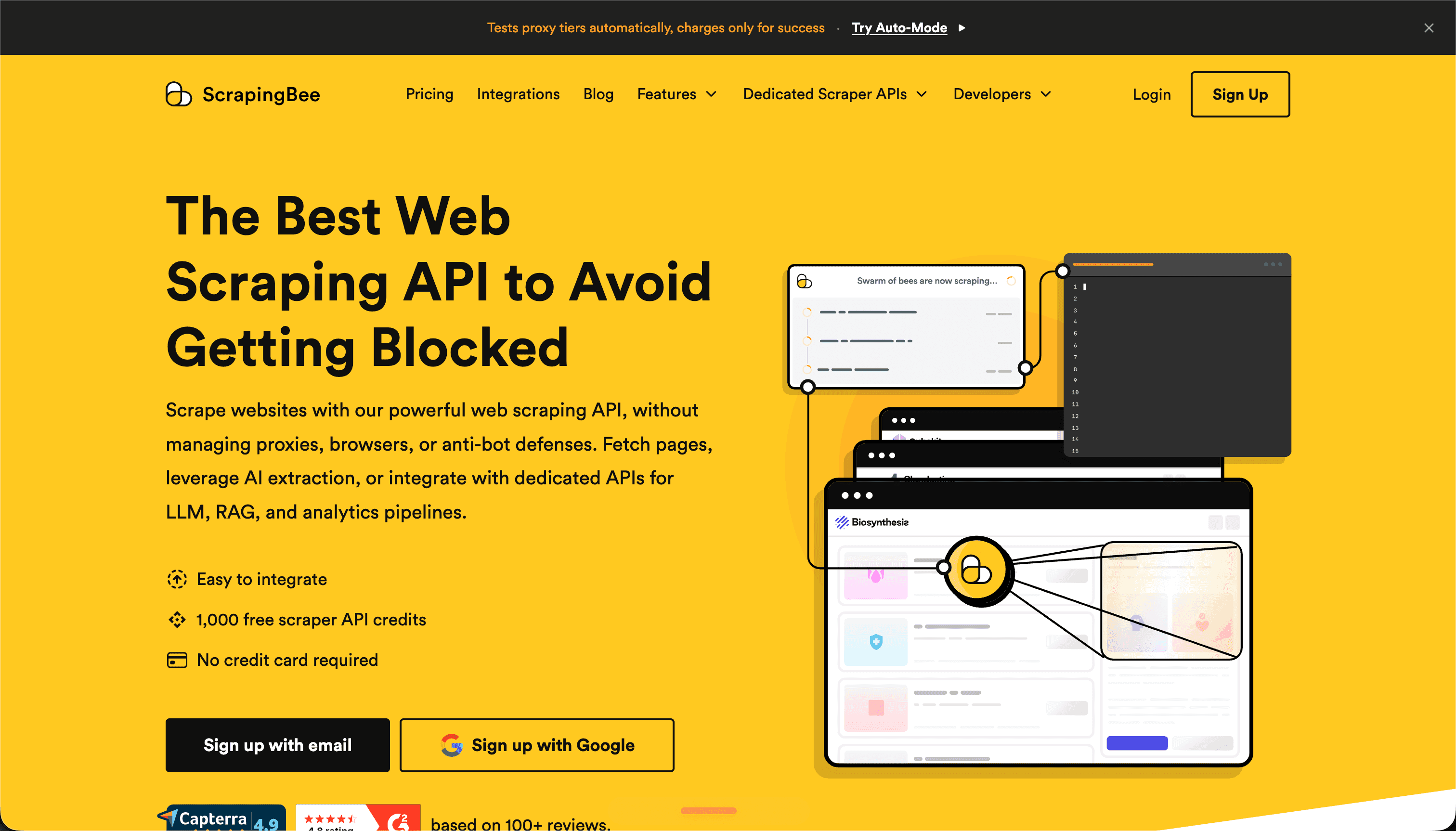
ScrapingBee is a developer-friendly API that manages proxies, headless browsers, and CAPTCHA solving behind one endpoint.
Pros:
- Excellent JS rendering using real Chrome browsers.
- Supports custom JS snippets to run on the page before extraction.
Cons:
- The free plan is evaluation-only with limited-lifespan credits.
- Enabling JS rendering or residential proxies inflates the "credit weight" per request—a single call can cost 10–25 credits.
Free Limit: 1,000 free API credits on signup (no credit card required). Hidden Costs: It's strictly a trial; production use starts at $49/mo.
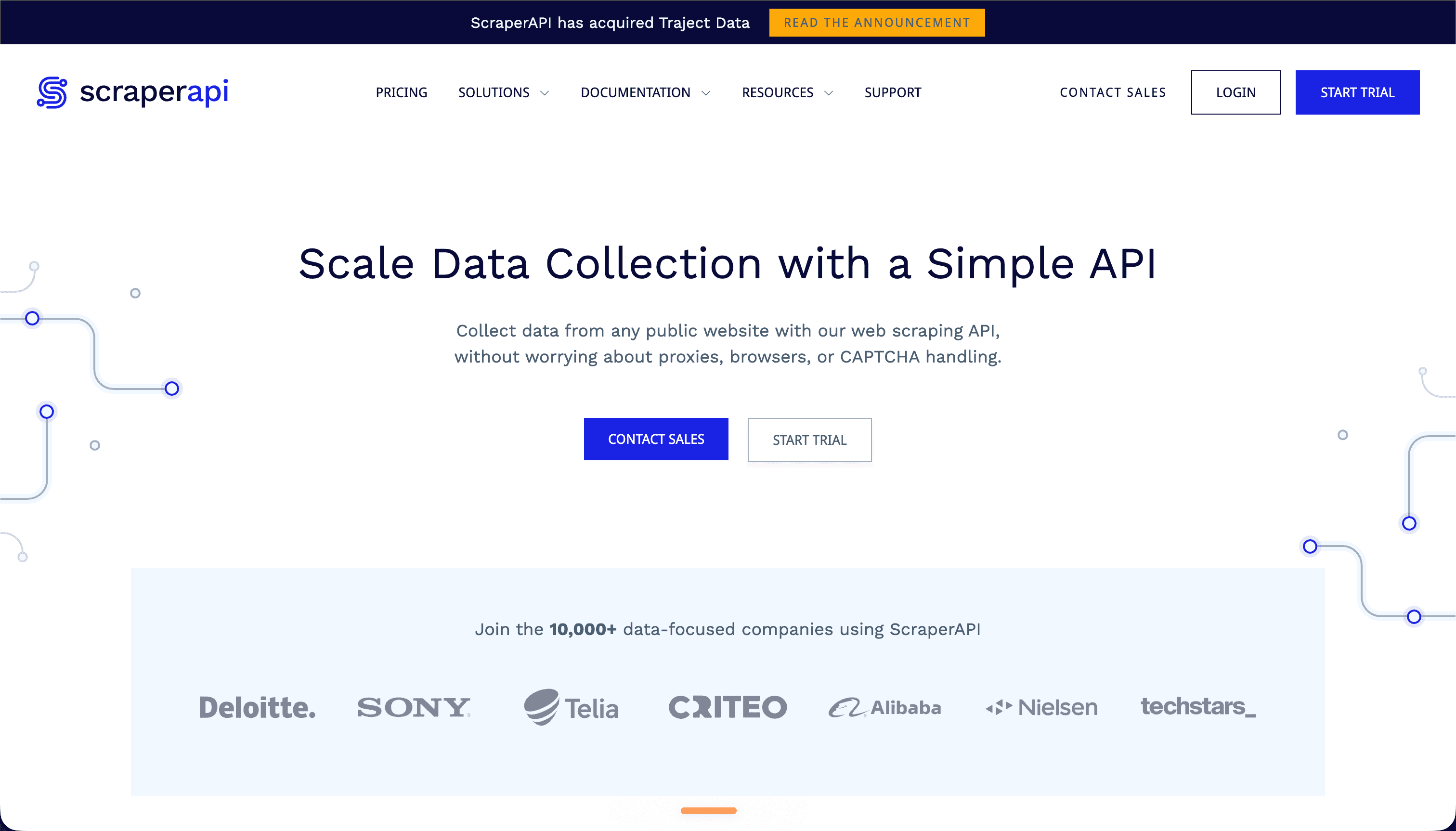
9. ScraperAPI (Free Trial)
ScraperAPI is a proxy-routing API gateway that handles headers, IP rotation, and CAPTCHA bypasses dynamically. As its own free-tools roundup concedes, heavy features quietly multiply credit costs.
Pros:
- Dead-simple integration—prepend your target URL to their API endpoint.
- A pool of 40M+ IPs with residential proxy support.
Cons:
- The free tier is restricted and expires quickly.
- Like ScrapingBee, JS rendering and geotargeting apply credit multipliers, so your balance drains faster than expected.
Free Limit: 5,000 free API credits for 7 days. Hidden Costs: Paid plans start at $49/mo; costs climb fast with JS rendering or residential IPs.
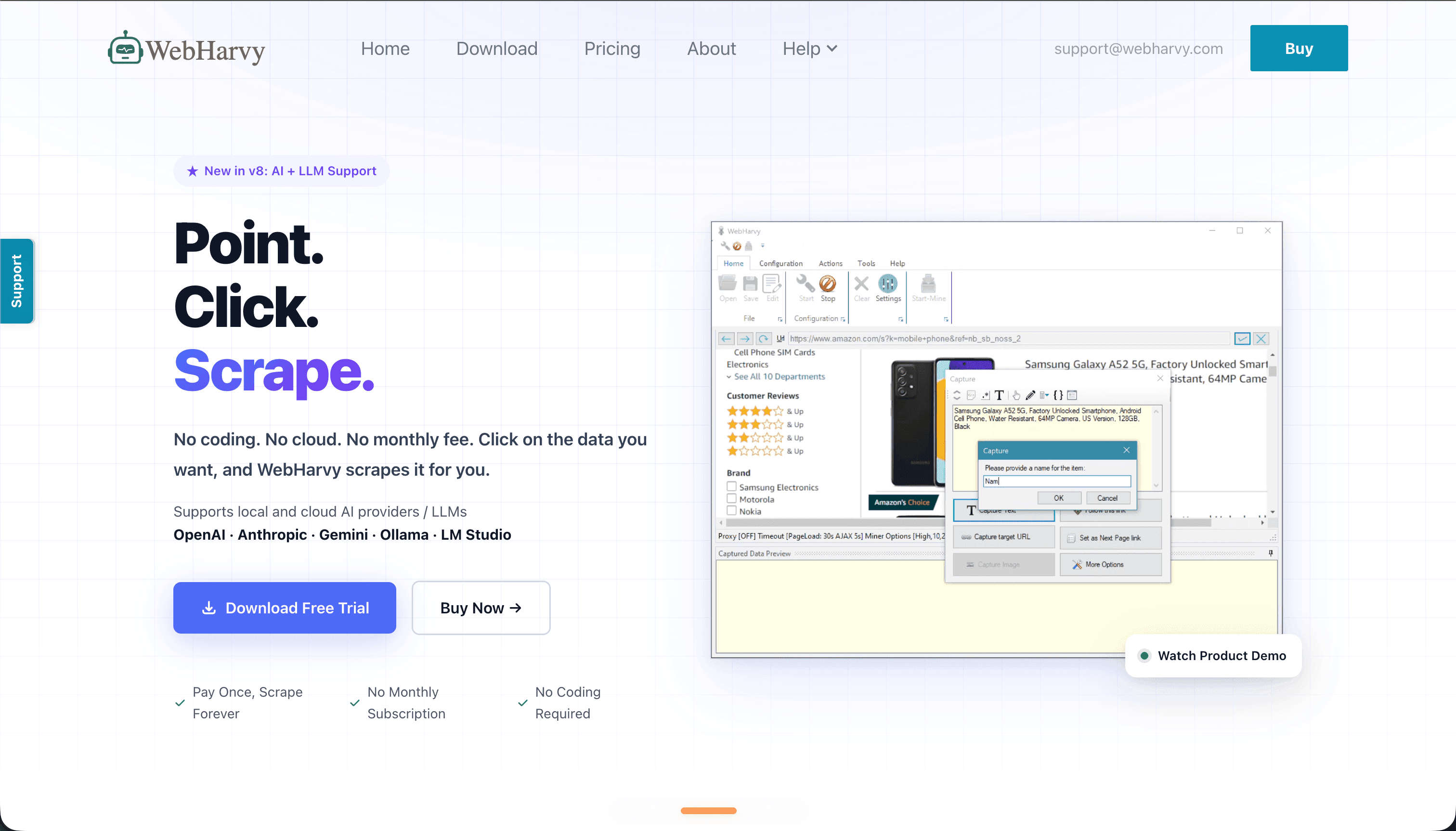
10. WebHarvy (Evaluation Version)
WebHarvy is a lightweight, client-side visual scraper that runs as a desktop app with its own embedded browser.
Pros:
- Genuinely intuitive point-and-click extraction of text, URLs, and images.
- Handles multi-level scraping (following links to secondary pages) with ease.
Cons:
- Commercial desktop software; the free trial limits page depth and export.
- Runs locally, exposing your own IP unless you configure proxies manually.
Free Limit: Free evaluation version with page-depth restrictions. Hidden Costs: A single-user lifetime license is $139 to unlock full capabilities.
Pricing & Capabilities Comparison Table
| Tool | Category | True Free Limit ($0 gets you) | Best For | Hidden / Secondary Costs |
|---|---|---|---|---|
| Scrapy | Open Source | Unlimited, full-featured | Large-scale custom crawlers | Proxies, server hosting, dev hours |
| Playwright / Puppeteer | Open Source | Unlimited, full-featured | Dynamic SPAs, browser automation | Heavy cloud compute, stealth patching |
| Beautiful Soup + Requests | Open Source | Unlimited, full-featured | Static HTML, learning | Selector maintenance debt |
| Octoparse | Visual / No-Code | Unlimited local runs | Non-coders, simple sites | $89+/mo for cloud + API |
| ParseHub | Visual / No-Code | 200 pages/run, 5 projects | JS-heavy sites, one-offs | $189/mo to lift limits |
| DataBlue | Managed API | Free developer credits | Structured SERP, Maps, e-commerce, RAG | None—transparent pay-as-you-go |
| Apify | Managed API | $5/mo compute + proxy trial | Pre-built Actors, scheduling | Metered compute overages |
| ScrapingBee | Managed API | 1,000 credits (trial) | JS rendering evaluation | $49/mo; credit multipliers |
| ScraperAPI | Managed API | 5,000 credits / 7 days | Simple proxy gateway | $49/mo; credit multipliers |
| WebHarvy | Visual / Desktop | Limited eval version | Local point-and-click | $139 lifetime license |
Conclusion: Choosing Based on Time vs. Budget
"Free" is really a question of where you'd rather spend your effort. Here's the pragmatic verdict:
- Choose open source (Scrapy or Playwright) if you have a zero-dollar budget, meaningful engineering time, and need to scrape custom, non-standard sites with complex architectures. Pair Scrapy with a cheap proxy provider and you have an industrial pipeline for the cost of a server.
- Choose visual tools (Octoparse) if you're not a developer, or you just need to pull data from a simple site once without writing code.
- Choose a parserless API (DataBlue) if your project depends on structured Google SERP, Google Maps, or e-commerce data and you want to skip the endless cycle of fixing broken selectors, solving CAPTCHAs, and hand-building Markdown for your RAG pipeline. You get clean JSON and LLM-ready output instead of a fragile HTML blob.
If you're evaluating heavier, enterprise-grade industrial scraping pipelines, our deeper breakdown of the best web scraping tools compares platforms head to head.
Ready to see the difference between raw HTML headaches and structured, LLM-ready data? Spin up a free DataBlue developer account and query a live search engine or product page in your first five minutes—no proxies, no selectors, no maintenance tax.