


Monitoring breaking headlines, tracking brand mentions, and spotting market trends all depend on one thing. That thing is fresh, reliable news data. If you're a Python developer, your first instinct is probably to write a quick script that pulls results straight from Google News.
It feels like a solved problem. Fire up requests, sprinkle in some BeautifulSoup, parse the HTML, done.
Then reality hits. Within the first hundred requests you're staring at a wall of HTTP 429 Too Many Requests errors, then CAPTCHA challenges, then IP bans. Writing a custom Google News scraper is a rite of passage for many engineers. It almost always ends in frustration.
This guide is a practical, developer-focused walkthrough on how to scrape Google News without spending your weekends babysitting broken parsers. We'll compare the DIY manual approach against a managed API. Then we'll write real Python code for both pathways. You'll also see how to scale data collection reliably. By the end, you'll have production-ready code to pull targeted news feeds and export them straight into your data lake.
Let's dig in.
Why Google News Is So Hard to Scrape
Google News is one of the most aggressively defended properties on the web. Google has every commercial reason to prevent automated extraction of its aggregated content. It invests heavily in anti-bot infrastructure that most solo developers simply can't outmanoeuvre for long.
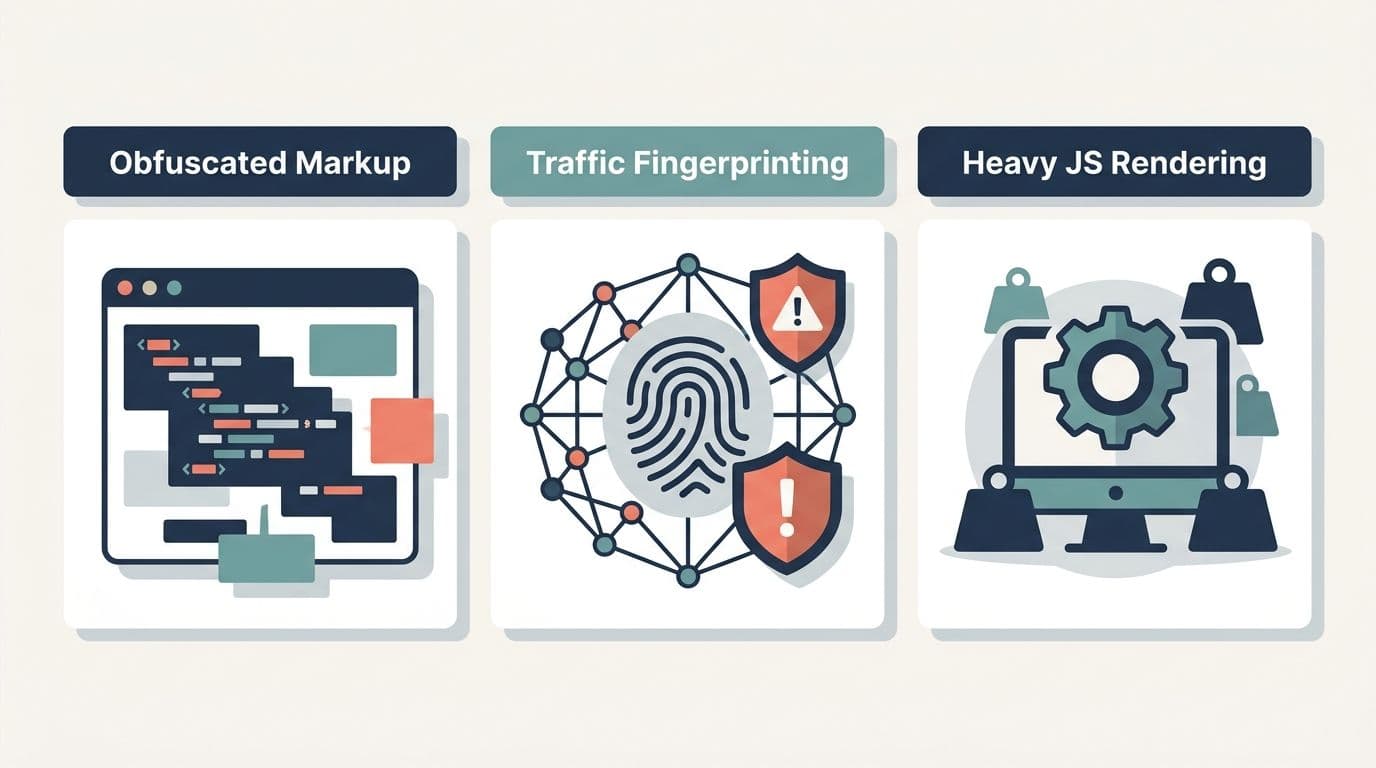
Three things make Google News uniquely hostile to scrapers:
- Content is served through obfuscated, dynamically generated markup that changes without warning.
- Traffic fingerprinting and rate-limiting flag automated requests almost instantly.
- JavaScript-heavy rendering forces you into resource-hungry headless browsers.
These defences are the first thing to weigh when deciding whether to build or buy. Let's break down exactly where DIY scrapers fall apart.
### The Deceptive "Simplicity"
Most developers begin the same way. They search GitHub for a "google news scraper" or a "python google news" library, hoping someone has already solved it. You'll find dozens of repos. A huge share are abandoned, throwing deprecation warnings, or silently returning empty arrays because Google shifted its HTML last quarter.
The few that still work often lean on undocumented RSS endpoints or fragile CSS selectors that break the moment you deploy them. What looks like a five-minute integration becomes an ongoing maintenance liability. Test any candidate library against live results before you trust it.
Pain Point 1: The Ever-Shifting DOM
Open your browser's dev tools on Google News and inspect the markup. You won't find friendly, semantic class names like .article-title or .news-source. Instead, you'll see auto-generated identifiers like .J70gbe or .Y3v9Zd.
These class names are not stable. They're generated by Google's build pipeline and shift on any deployment, sometimes several times a week. So a CSS selector you write today breaks tomorrow with zero warning:
# This works today..titles = soup.select("div.J70gbe a.JtKRv")# ..and returns an empty list next Tuesday when Google ships a new build.When your parser silently returns nothing, your production pipeline doesn't crash loudly. It quietly ingests empty data. You often don't spot the breakage until a stakeholder asks why the dashboard has been flat for three days. This turns your scraper into a permanent maintenance sinkhole. Add prominent alerting on empty result sets so failures surface fast.
Pain Point 2: Brutal IP Blocks & CAPTCHAs
Even if your selectors held up forever, you'd still hit Google's rate-limiting wall. Google's traffic analysis is superb at telling humans from bots. It looks at request cadence, header fingerprints, TLS signatures, and cookie behaviour, plus dozens of other signals.
Send a few dozen requests from a single datacenter IP and you'll get an interstitial CAPTCHA or a hard 429. To get around this, developers spiral into a costly arms race:
- Residential proxy pools that rotate IPs, billed by the gigabyte (and news pages are heavy).
- CAPTCHA-solving services that charge per solve.
- Custom retry and backoff logic to handle intermittent blocks.
Suddenly your "free" scraper has a monthly infrastructure bill. You're maintaining a proxy rotation system instead of building your actual product. Budget for this arms race honestly before committing to the DIY route.
Pain Point 3: Headless Browser Memory Leaks
When BeautifulSoup and requests can't render the JavaScript-driven content, developers escalate to headless browsers such as Playwright or Selenium. This solves rendering. It also introduces a whole new class of pain.
Running headless Chrome at scale is genuinely difficult:
- Each browser instance consumes hundreds of megabytes of RAM.
- Long-running processes leak memory, forcing periodic restarts.
- Crashed sessions leave zombie Chrome processes that pile up and eat CPU.
- Containerizing headless Chrome in Docker requires careful tuning of shared memory (
/dev/shm), fonts, and dependencies.
Here's a taste of the boilerplate just to keep a Playwright scraper from falling over:
from playwright.sync_api import sync_playwrightdef fragile_scrape(query): with sync_playwright() as p: browser = p.chromium.launch( headless=True, args=["--no-sandbox", "--disable-dev-shm-usage"] ) try: page = browser.new_page() page.goto(f"https://news.google.com/search?q={query}", timeout=30000) page.wait_for_selector("article", timeout=15000) # ..and now you still have to parse those obfuscated class names. finally: browser.close() # Miss this and you leak processes.Multiply this across a fleet of workers scraping 100,000 queries a month. Now you're running a compute cluster whose sole purpose is fighting Google's defences. Weigh that operational load before you spin up the first worker.
The Math: DIY Infrastructure vs. Managed News APIs
Let's put real numbers to it. Suppose you need to collect 100,000 news queries per month. That's a modest volume for any serious monitoring or analytics product.
The DIY Cost Stack
| Component | Reality |
|---|---|
| Residential proxies | Billed per GB. News pages are large. expect meaningful monthly spend just to avoid blocks. |
| CAPTCHA solving | Per-solve pricing that scales directly with how often you get flagged. |
| Compute (EC2 / ECS) | Headless browser fleets need vCPU and RAM 24/7. Autoscaling helps, but Chrome is hungry. |
| Engineering time | The hidden killer. hours every week fixing broken selectors, restarting zombie processes, and tuning proxy rotation. |
The proxies, CAPTCHA services, and compute are the visible costs. The invisible cost is your engineers' time, and it's usually the largest of all. Every hour spent patching a parser is an hour not spent building features that set your product apart. Track that concealed line item before you commit.
The Managed API Cost Stack
With a managed endpoint like DataBlue's Google News API, the entire mess above collapses into a single line item:
- Proxy rotation? Handled upstream.
- JavaScript rendering? Handled upstream.
- Selector mapping and parsing? Handled upstream, returned as clean JSON.
- CAPTCHA solving? Not your problem.
You pay a flat, predictable rate per query. No surprise proxy bandwidth bills. No CAPTCHA meters ticking up. No 2 a.m. pages about a memory leak. The pricing is legible, and it scales in step with usage rather than exploding with complexity. For most teams, the break-even point favours the managed API almost immediately once you factor in engineering salaries. Run the numbers for your own query volume next.
Setting Up Your Development Environment
We'll prep a clean, minimal Python workspace. No headless browsers, no proxy config, no CAPTCHA solvers.
Step 1: Get Your API Key
Head to DataBlue and sign up for an account. Once registered, generate a Google News API key from your dashboard. Keep it secret. Treat it like a password and never commit it to version control. We'll load it from an environment variable in the code below.
Step 2: Installation
We only need two libraries: one modern HTTP client and pandas for data handling.
pip install httpx pandasWe're using httpx because it offers a clean, requests-like API with first-class timeout handling and optional async support. If you'd rather stick with the standard requests library, the code translates almost one-to-one. Install both now and confirm the versions before moving on.
The Modern Way: Writing the Python API Collector
Instead of scraping raw HTML, we send a structured JSON payload to a single endpoint and receive clean, parsed data back. This is the fundamental shift. You're no longer reverse-engineering Google's frontend. You're calling a stable, documented interface.
The Endpoint Architecture
We'll be posting to:
POST https://api.datablue.dev/v1/data/google/newsThe request body is a JSON object describing what you want. Instead of guessing at CSS selectors, you declare your intent with parameters like:
query. the search term or topic.time_range. restrict results to a supported window:"hour","day","week","month", or"year".language. an ISO language code such asen.country. an ISO country code such asusto geo-target the feed.
This declarative approach means your code stays valid even as Google reshuffles its internal markup. The full parameter list lives in the DataBlue Google News docs. Skim it once before you start coding.
Python Code Implementation
Here's a complete, production-ready collector. It uses a context manager for the HTTP client, loads the API key from the environment, handles error states gracefully, and extracts the list of items from the official "articles" key in the API response.
import osimport httpxAPI_URL = "https://api.datablue.dev/v1/data/google/news"# Never hardcode secrets in productionAPI_KEY = os.environ.get("DATABLUE_API_KEY") def fetch_google_news(query, *, time_range="week", language="en", country="us"): """ Query DataBlue's Google News endpoint and return a list of article dicts. Supported time_range values: "hour", "day", "week", "month", "year" Raises httpx.HTTPStatusError on non-recoverable HTTP errors. """ if not API_KEY: raise ValueError("DATABLUE_API_KEY environment variable is not set.") payload = { "query": query, "time_range": time_range, "language": language, "country": country, } headers = { "Authorization": f"Bearer {API_KEY}", "Content-Type": "application/json", } # Context manager guarantees the connection is closed cleanly. with httpx.Client(timeout=30.0) as client: try: response = client.post(API_URL, json=payload, headers=headers) response.raise_for_status() except httpx.HTTPStatusError as exc: status = exc.response.status_code if status == 401: raise RuntimeError("Invalid or missing API key (401).") from exc if status == 429: raise RuntimeError("Rate limit exceeded (429). Back off and retry.") from exc if status >= 500: raise RuntimeError(f"DataBlue server error ({status}). Retry later.") from exc raise # Re-raise anything else unhandled. except httpx.RequestError as exc: raise RuntimeError(f"Network error contacting DataBlue: {exc}") from exc data = response.json() # The API returns articles under the "articles" key return data.get("articles", [])if __name__ == "__main__": try: articles = fetch_google_news( query="renewable energy policy", time_range="week", language="en", country="us", ) print(f"Successfully fetched {len(articles)} articles.") for article in articles[:3]: print(f"- {article.get('title')} ({article.get('source')})") except Exception as e: print(f"Error: {e}")Notice what's absent here. No proxy configuration, no browser launch, no retry-until-CAPTCHA loop. You send a JSON payload describing US-based news from the last week and get structured results back.
For resilient production pipelines, wrap the 429 and 5xx branches in an exponential backoff retry. The tenacity library pairs nicely with this pattern. The core logic stays this clean. Drop in that retry wrapper before your first scheduled run.
Parsing the Response & Exporting to Data Lakes
Because the response is already structured JSON, mapping it to a clean schema is trivial. A typical response object looks like this:
{ "success": true, "query": "renewable energy policy", "total_results": "10", "time_taken": 2.14, "articles": [ { "position": 1, "title": "New Federal Incentives Reshape Solar Market", "url": "https://example-news.com/solar-incentives", "source": "Example News Network", "source_url": "example-news.com", "date": "3 hours ago", "published_date": "2026-04-03T09:00:00Z", "snippet": "The new policy is expected to accelerate residential solar adoption.." } ]}Data Transformation with Pandas
We extract the fields we care about and load them directly into a DataFrame. Because the API returns a consistent array of flat objects inside "articles", pandas ingests it in a single call.
import pandas as pddef articles_to_dataframe(articles): """Normalize the API's articles array into a tidy DataFrame.""" df = pd.DataFrame(articles, columns=[ "title", "url", "source", "published_date", "snippet" ]) # Parse ISO timestamps into real datetime objects for downstream filtering. df["published_date"] = pd.to_datetime(df["published_date"], errors="coerce") # Drop rows with no URL (defensive. keeps your database keys clean). df = df.dropna(subset=["url"]).reset_index(drop=True) return dfRun this against a small sample first and eyeball the parsed timestamps.
Production Export Code Snippet
Once the data is in a DataFrame, exporting it for an ETL pipeline or database ingest is one line. For flat analytical stores, CSV works fine:
df = articles_to_dataframe(articles)df.to_csv("google_news_export.csv", index=False)For streaming into a data lake or appending to an existing corpus, JSON Lines is often the better format. Each row is an independent JSON object. So you append incrementally without rewriting the whole file:
# Append mode makes this safe to run on a schedule.df.to_json( "google_news.jsonl", orient="records", lines=True, date_format="iso", mode="a",)That .jsonl file drops cleanly into tools like BigQuery or Snowflake. The entire flow from raw query to database-ready records is a handful of readable functions. No fragile HTML parsing anywhere in sight. Wire this export step into your scheduler and let it run.
Comparative Summary: DIY Manual Scraper vs. DataBlue API
Here's the head-to-head across the dimensions that actually matter when you're shipping to production:
| Dimension | DIY Manual Scraper | DataBlue Google News API |
|---|---|---|
| Setup time | Days to weeks (proxies, headless browsers, parsers) | Minutes (pip install, add API key) |
| Maintenance overhead | High. selectors break constantly | Near zero. handled upstream |
| Proxy management | You build and pay for rotation | Fully managed |
| Selector fragility | Extreme. obfuscated class names change often | None. you get structured JSON |
| Output data structure | Raw HTML you must parse yourself | Clean, consistent JSON schema |
| Scaling difficulty | Painful. compute, memory leaks, IP bans | Linear. just send more requests |
| CAPTCHA handling | Your problem (and your bill) | Handled upstream |
| Cost predictability | Volatile (bandwidth + solves + compute) | Flat, predictable per-query pricing |
Match your own priorities against this grid before you pick a path.
Conclusion & Next Steps
Building a brittle Google News scraper that breaks every week is a losing game. Obfuscated DOM structures, aggressive IP blocking, and CAPTCHA walls drain your time. The operational nightmare of headless browser fleets racks up costs that rarely show up in the original estimate.
The pragmatic move is to outsource the heavy lifting so you focus on data analysis and product building instead of fighting anti-bot systems. By shifting to a managed endpoint, you bypass the entire cycle of selector maintenance, proxy troubleshooting, and resource-heavy headless browser scaling.
If you are ready to implement this in production:
- Get an API Key: Sign up at DataBlue to generate your credentials.
- Explore the Schema: Head to the DataBlue Google News Docs to review advanced query variables, including sorting and geo-targeting capabilities.
- Optimize Your Tech Stack: If your application gathers localized maps, reviews, or geographic entities alongside media coverage, read our guide on choosing a cost-effective Google Places API Alternative to further optimize your data collection budget.
Stop babysitting brittle scrapers. Let DataBlue handle the infrastructure so you can focus on building what matters.